Asynchronous Math eLearning Days

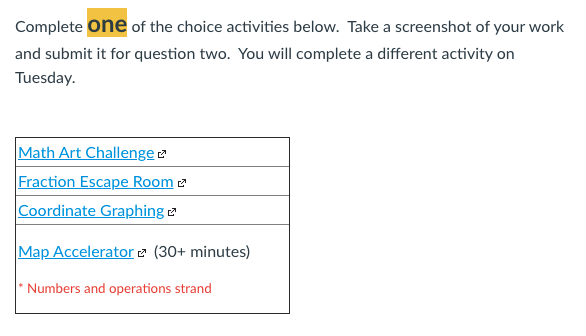
Last weekend I planned for two days of non-live instruction for students exploring 4th-6th grade concepts. This planning sequence has been on my calendar for a few weeks and I’ve spent a good amount of time wrapping my brain around how to keep the lessons engaging without being there. I also had to figure that I wouldn’t be able to answer questions live. I discussed this dilema with another teacher and we came up with a couple options for students involving a choice menu. I decided to give students a small choice board for the two days the school deemed as asynchronous. My choices are below.


Grades 5-6

Fraction Escape Room by Patty Stephens – This activity is a robust review of fractions. It took my students around 30-45 minutes to finish the task and it was quite challenging for some. This fits in really well with a fraction computation unit that the class recently finished.

Equation Modeling – Mega Man by Kurt Salisbury– One of my classes has been introduced to equations and this activity is a fun way to review and play with variables before introducing a formal process. This is a class favorite and it also introduces students to Mega Man!

Pan-Balances – Solve me mobiles – Similar to the equation modeling, this was used specifically for students to help visualize equations. The questions are also found here.

Grade 5

Integer practice by Jay Chow – My fifth grade classes are starting to explore integer computation and this was one way to have the students practice adding/subtracting integers. The Pokemon evolution was a bonus and I guess it’s still fairly popular as students gravitated towards this option.

Coordinate Graphing Ice Climber Plotting Points by Lorri Sapp – My fourth grade crew has been studying coordinate grids and this was a perfect activity to reinforce those standards. The activity begins by reviewing the basics of a graph end simply moves through the process to graphing coordinates in all four quadrants. The students enjoyed the game with the last couple slides the most.

Grades 4-6

Math Art Challenge – Isometric Grids by Adrianne Burns This was a fun activity that helps students explore geometric patterns on an isometric grid. Students built patterns and submitted them via Canvas. This was a student fan favorite activity as it applied to multiple grade levels and students were able to combine art and math.

Decimal and Fraction Review – Students in my fourth grade class have been exploring conversions this unit. This Desmos deck was used to review multiples of 10 and to also practice recent skills.

Map-Accelerator – This options gave students an option to review and be exposed to skills related to the Map test that was taken in the fall. This is a new feature and students and teachers are still getting used to how this works. Not many students chose this option.


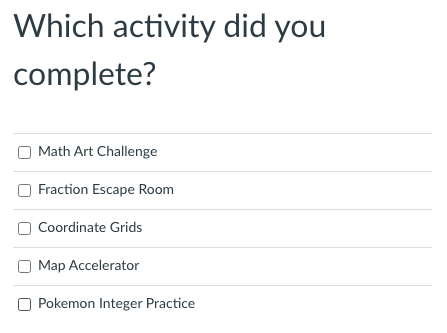
Students worked diligently on one task each day. Some tried their hands at two. They then submitted a screen shot of their work for attendance and completion purposes. I’ll need to remind a few to turn in the assignments after break but that’s par for the course this year. With a few tweaks, I’m planning on using a similar style for the next planned asynchronous day.
Digital Check-ins

During a normal school year (all in-person) I interpret non-verbals and try to check-in with students frequently. I stand by my classroom door and give eye contact to students as they walked in and ask how they were doing. Sometimes students stop and tell me about their adventures or something that happened over the weekend. One of my goals was to have students talk more than me. The same check-ins would happen as students leave the room to head out to their next class. I believe these small moments overtime helped students connect to the classroom. Soon, students would share with one another about their lives and the classroom community builds from the ground up. A feeling of familiarity develops and students are more willing to take mathematical risks in the classroom. This organic process is more challenging when some students in your class are remote and others are in-person.

This year my school has been switching back and forth between remote and elearning. Tomorrow marks the third time this year that everyone will be remote. As or right now it looks like everyone will be remote until January, but that could change. My check-ins have had to take a different form this year. I call them “meet and greets” but they have the same premise. Every class starts with a meet and greet question or activity. It takes around 5-10 minutes and most days if feels like it is worth every minute. Here are a couple options for digital check-ins.

1.) 100 Prompts. I tend to get the questions from this shared spreadsheet.

Some of the questions are real gems, while others do not quite fit yet. This year I have used questions from this sheet around 50% of the time.

2.) Images. My students tend to get a kick out of these images as they are dramatic and some are related to pop culture. Students tells me what number they are and why.

I have found students open up and I see them laughing a bit as we progress through this meet and greet. So far my class has completed a cat, squirrel and baby Yoda. Twitter seems like the place to find these images by typing “on a scale how are you feeling” in the search bar.

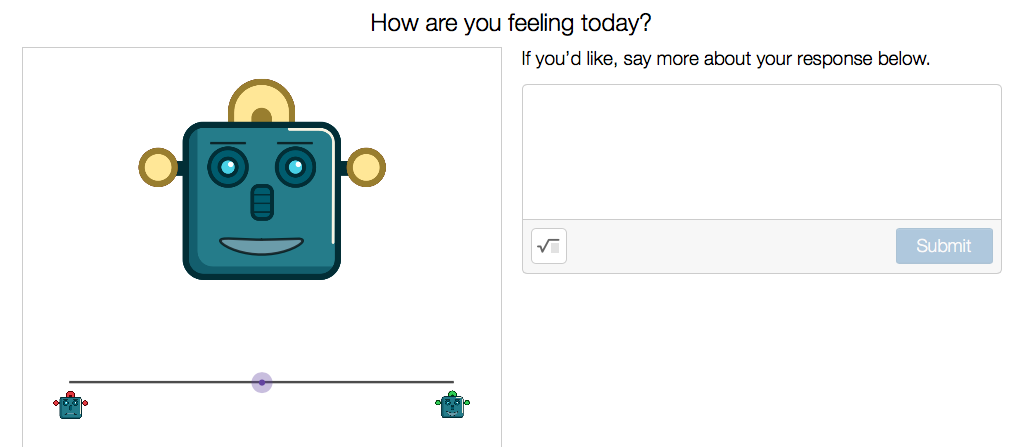
3.) Desmos. Desmos has an amazing array of starter screens. My kids enjoy the robot and create a pumpkin activity. I think they could have spent more than 10 minutes creating their own pumpkin.

I tell the students ahead of time that this will be shared with the class and I turn on the anonymize filter if one or more students want the info to be kept private. I have not had a chance to use the data collection decks but they look promising. I am planing on using the Silly Warm Ups at some point next week. I am anticipating some amazing responses for the giraffe slide.

4.) Zoom. This is probably used the least, but using the Zoom private chat function has its benefits. There are times where I ask students to tell me how they are doing and to send me a private message in the chat. This has worked well for issues that happen in the moment. For example, a student told me that a family pet passed away. That awareness changed how I interacted with that particular student and was helpful when I followed up with them later. Just make sure students (and the teacher!) uses the private chat and not public.

Digital Fractions

My third graders started to explore fraction concepts last week. It has been a challenge as usually fractions are introduced with physical area model manipulatives. I usually take out the fraction circles and general pattern blocks for the introduction. That’s out of the question this year so I’ve had to rely on digital means.

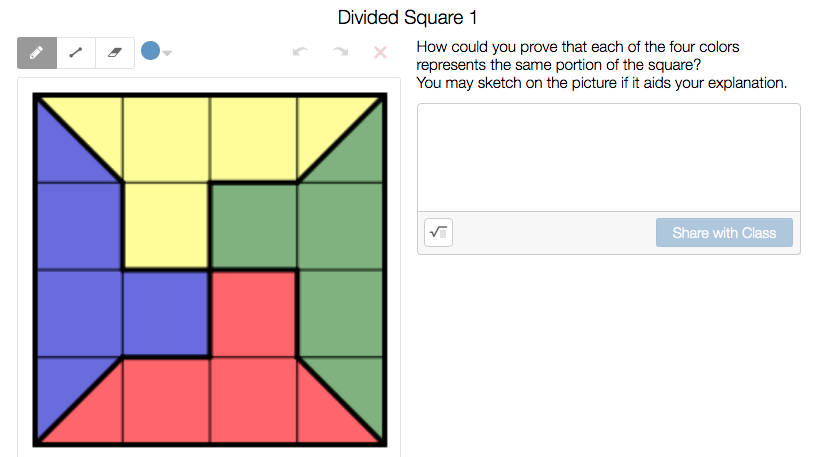
I started the unit by reviewing fraction area models with a Desmos task. Students identified parts of a square.

The deck gets more challenging as it progresses. I was able to get through slides 1-11 with students. Slides past that could certainly be used but I’ll probably revisit those later in the unit.

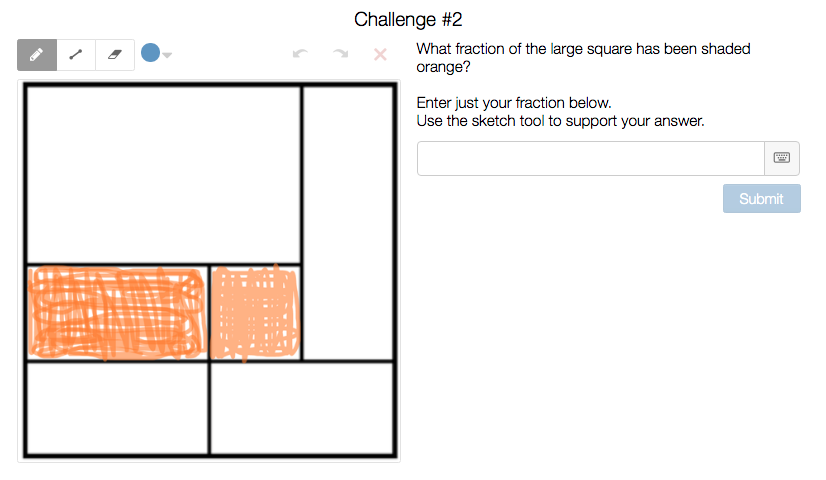
From there I introduced students to linear models of fractions on a number line. Students identified benchmarks of quarters and halves on number lines. Students discovered equivalent fractions in area models and then transitioned that to number lines. Enter Desmos task # 2.

Students first start the task with a WODB slide where students analyze fractional parts. There’s also a beneficial card sort where students sort groups of equivalent fractions. The challenge questions in this deck are no joke. My class spent a good 15 minutes on the last two slides. Those slides helped contribute to a great fraction conversation afterwards.

During the next morning my students completed a GimKit to review the learning so far. The class also reviewed the notation for fractions greater than one whole. Students observed how the numerator can increase when the denominator stays the same. We also investigated how fractions are division and the quotient can be used to determine where to place a number on a line.

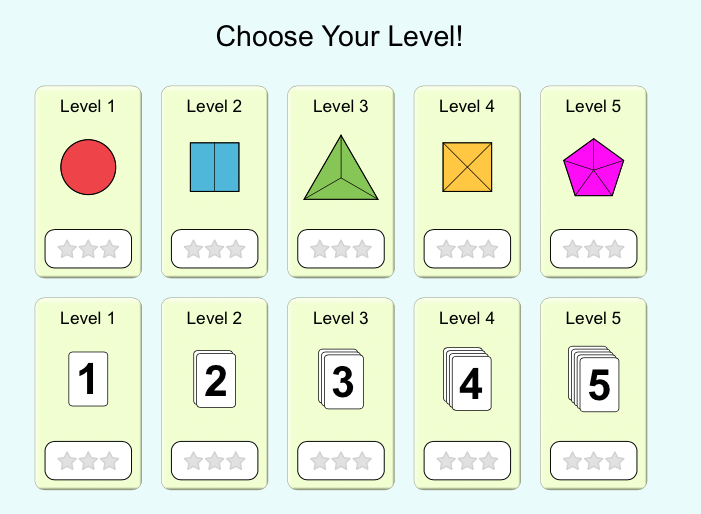
During the next class students completed a PHET simulation on fractions and area models. Students started on level 1 and then moved upward. The simulation can easily be added to a Nearpod presentation.

Most students ended up around level 4 + before time ran out. Later in the day students completed a Khan Academy quiz on fraction models. This quick check-in was valuable as I was able to quickly gauge where students were in their understanding of equivalent fractions.

During the next day students work on placing fractions on a number lines – enter Desmos task 3.

Students placed the fractions on the line and checked to see how close their estimates were to the actual answers. This gem of an activity gives students an opportunity to self-check and this deck was used over two different days. Students reflected on their progress in class during a debrief process.

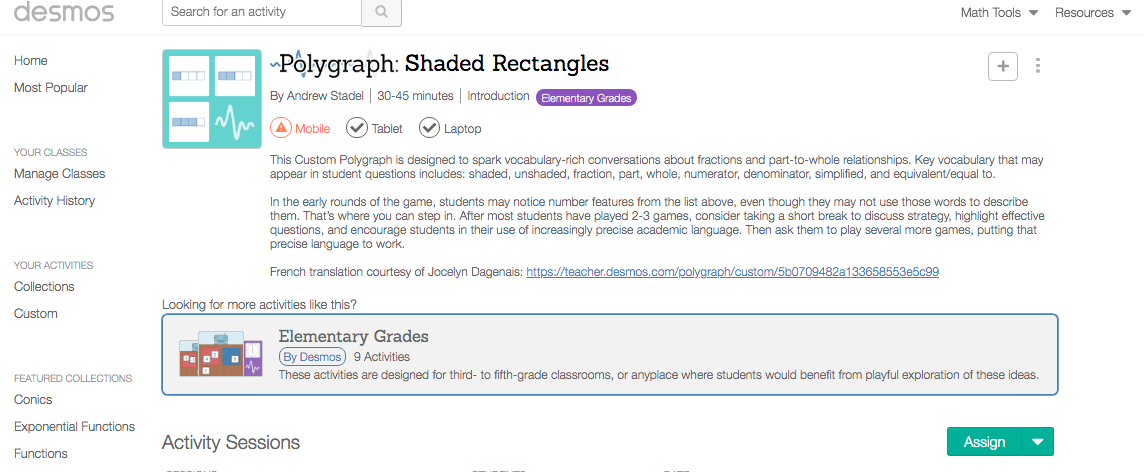
On Friday students finished up their week by completing a fraction polygraph with different partners.

Students asked questions, used math vocabulary and a bit of detective work to find the correct cards. This was challenging for some kids as it highlighted who had an adequate grasp of fraction benchmarks.

I’m looking forward to diving into fraction concepts even more next week.